
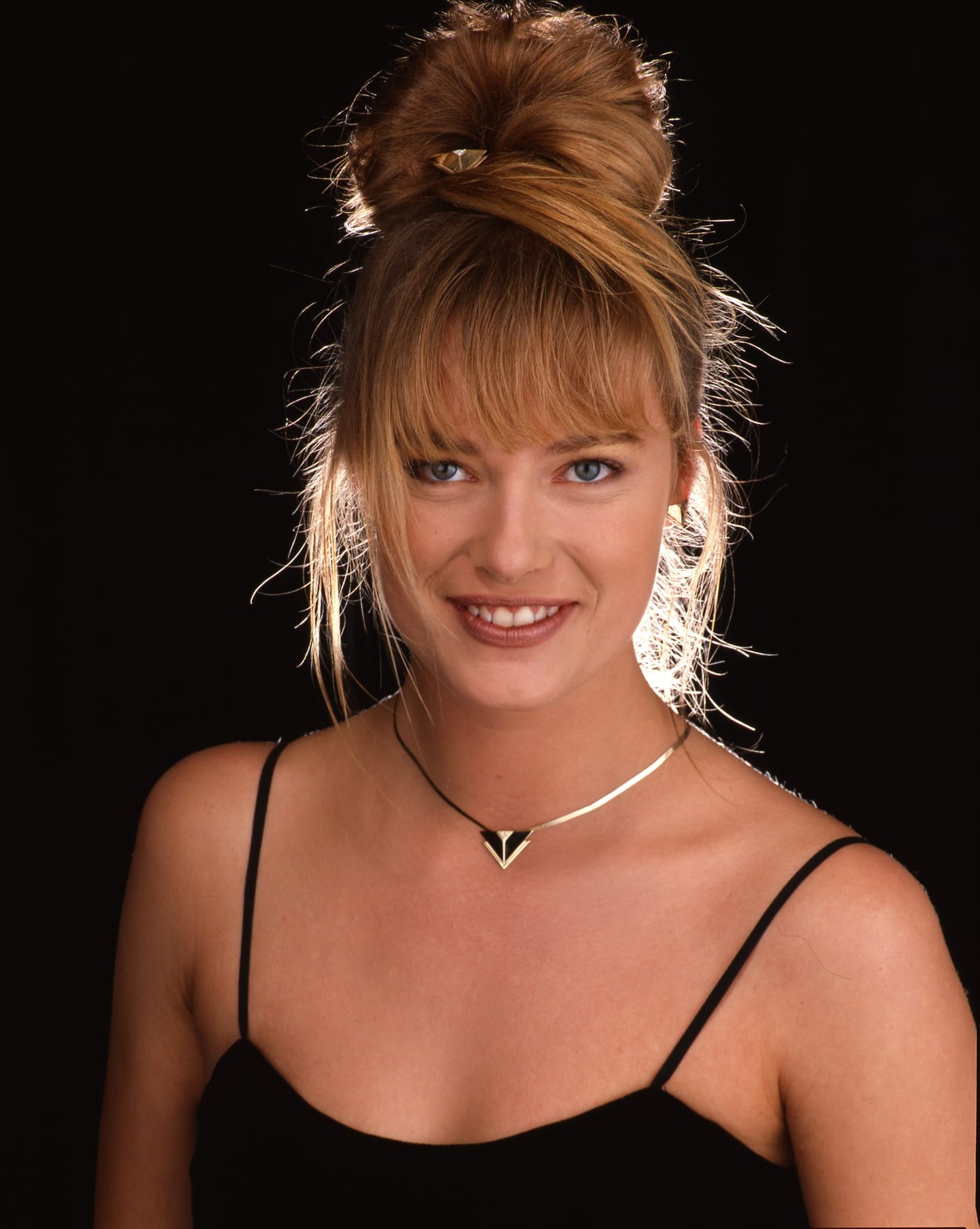
A Polaroid is usually the only original there will ever be. Digitising one well means recording an object, border and back included, and not only the picture in the middle.
An instant print is, in most cases, the only original that exists. There is no strip of negatives in a sleeve to go back to, and no second print. Whatever was made in the camera is the object in your hand. That changes the purpose of digitising it. With film, a scan stands in for a negative that can be scanned again. With a Polaroid, the scan may become the main way the picture is ever seen, and it has to record a physical thing as well as an image.
The Polaroid collection of the Robert Harper Photograph Library runs to more than 4,000 individual prints by the archive's inventory, so the question is a practical one here. The method below applies equally to a single family print.
What kind of Polaroid do you have?
Identify the type first, because the two families behave differently.
Peel-apart film came first. Edwin Land's Polaroid-Land process dates from 1947: negative and positive sheets were pressed together with a reagent, then separated after a timed interval. It was sold as roll film from 1948, as 4x5 inch sheet film from 1958 and as pack film from 1963. A pack-film print of the common 100 series measures about 4.25 by 3.25 inches (108 by 83 mm). Peel-apart prints are thin, like conventional photographic paper, usually with a narrow border.
Integral film arrived in 1972 with the SX-70 system. Everything, including the developing chemistry, stays inside a sealed unit that the camera ejects. The image area of SX-70 and 600 film is about 79 by 79 mm (3.1 inches square), set in the familiar white frame with a deeper bottom edge. Integral prints are thicker, slightly springy, and have a glossy clear plastic face.
Polaroid announced in February 2008 that it would stop making instant film. Production of compatible integral film was restarted by the Impossible Project, which announced its first films in March 2010, and Fujifilm discontinued its last peel-apart pack film, FP-100C, in 2016. For an archive, those dates help bracket when a print could have been made.
Flatbed or camera: which is better for Polaroids?
Both work. A print is a reflective original, so it is scanned with light bounced off the surface, the opposite of the transmitted light used for film. If your project is mostly film, this is a separate set-up and worth planning as its own batch; the broader options are compared in scanner, drum or camera.
Flatbed scanners are convenient and give even illumination. The difficulty is contact. The glossy face of an integral print resting on glass can produce Newton's rings, the oil-slick interference pattern that appears when two smooth surfaces nearly touch. Integral prints are also rarely flat, and forcing them flat under a lid is a bad idea for an object with layers of chemistry sealed inside it. A card mask cut to surround the image lifts the surface fractionally clear of the glass.
Camera capture on a copy stand avoids contact altogether. With two lights at equal angles, or polarised lighting to control reflections, the glossy surface can be photographed cleanly, and each exposure takes a moment. For thousands of prints of the same size, a camera rig with a fixed jig is usually the faster route.
Either way, wear clean nitrile gloves or work with clean hands and hold prints by the edges, as the Library of Congress advises, and remove loose dust with a squeeze-bulb blower.
What resolution and bit depth should you use?
The UK National Archives' digitisation guidance gives a minimum of 600 ppi for photographs. That is a reasonable floor for instant prints. For a 79 mm square image:
| Resolution | Pixels across the image | Megapixels (image only) |
|---|---|---|
| 600 ppi | about 1,866 | 3.5 |
| 1,200 ppi | about 3,732 | 13.9 |
An instant print does not carry the fine detail of a film original of the same size, so very high resolutions mostly record surface texture. That can still be worth having for a unique object. The film scan resolution calculator includes a Polaroid preset that gives pixel dimensions and uncompressed file sizes for any ppi, and the digitisation storage calculator will total them for a whole collection.
Use 16 bits per channel for the master if your equipment offers it, and save as TIFF. Master formats are discussed in TIFF, DNG or JPEG 2000.
What exactly should be captured?
The whole object, not a crop of the picture.
- The full print, including the border. The white frame is part of what makes the object identifiable, and it often carries marks. The Canadian Heritage Information Network gives the same advice for film: keep the border in the archival master and crop only in derivatives.
- The back, where it has anything on it. Backs can carry handwriting, dates, job references and manufacturer's printed codes. If only some backs are informative, decide the rule in advance and apply it consistently.
- A reference. Include a colour and grey target in a set-up frame for each session so that the capture conditions are documented.
- Associations. If a print is clipped to a job sheet or kept in an envelope with film, record that relationship in the file naming or the catalogue before separating anything.
This last point matters in a professional archive. Photographers have long used instant film to preview a subject or a set-up before making the final exposure on conventional film, so a print may relate to a sheet of transparencies elsewhere in the same box. Whether a particular Polaroid is a test, a finished picture or something else is a cataloguing question, and the evidence for it is often physical.
Colour shifts and damage should not be corrected in the master. Instant prints change with age, and the changes are part of the record. Capture with a profiled device, embed the profile, and leave the file alone. Cropped, colour-corrected and retouched versions are derivatives, saved separately.
Check exposure before moving on. Instant prints often have bright, low-contrast highlights that clip easily, and the white border will clip first. Drop a JPEG derivative into the image histogram tool to see the percentage of pixels clipped at either end. For sharing a batch with a colleague, the contact sheet maker lays out dozens of prints on one page with their file names.
How should the files be named and described?
Give each print its own identifier and use it as the file name, with a suffix for front and back. In embedded metadata, the scan of a print is labelled as such in the IPTC Digital Source Type field, distinct from a scan of a negative or a transparency. Record the date the print was made in the creation date, if known, not the date of the scan.
Then describe what can be seen and stop there. A caption that guesses at a sitter or a client from a border scribble does more harm than a blank field.
How should the originals be stored afterwards?
Digitisation does not retire the object. The Library of Congress recommends storing photographs at 70°F (about 21°C) or below and at 30 to 50 per cent relative humidity, away from light, in enclosures that pass the Photographic Activity Test under ISO 18902. For colour photographs it names temperature as the main factor in stability and recommends cold storage. Keep prints out of pressure-sensitive albums and away from paper clips, rubber bands and adhesive notes.
The Polaroids in the Robert Harper archive
The archive's inventory lists more than 4,000 individual Polaroid prints among its 52,684 analogue photographs. Their types, their subjects and their relationship to the film beside them have not yet been catalogued in detail, and more than half of the archive is still on film and has yet to be scanned, and only a small selection has been published online by Archive.London. Conservators, scanning bureaux and researchers with experience of instant materials who would like to discuss a pilot are welcome to get in touch through the digitisation partners page; the wider sequence of work is described in how to digitise a film archive.
Frequently asked questions
What is the best way to scan a Polaroid?
Use a flatbed scanner in reflective mode or a camera on a copy stand with even lighting. Capture the entire print including its border, at 600 ppi or more, in 16-bit colour if available, and save a TIFF master. The glossy front of integral prints can cause reflections or interference rings, so camera capture with controlled lighting is often cleaner.
What resolution should Polaroids be scanned at?
At least 600 ppi, the minimum the UK National Archives' guidance gives for photographs. That yields about 1,866 pixels across the 79 mm image of an SX-70 or 600 print. Scanning at 1,200 ppi, about 3,732 pixels across, gives room for enlargement, though an instant print holds less fine detail than a film original of the same size.
How do I stop Newton's rings when scanning Polaroids?
Newton's rings appear when a smooth, glossy surface touches the scanner glass. Avoid pressing the print flat. Raise it very slightly off the glass with a clean card mask around the image, or photograph it with a camera instead, so that nothing touches the print's surface at all.
Should I colour-correct faded Polaroids when digitising?
Not in the master file. Record the print as it is today, with a profiled scanner or camera, and keep that file untouched. If a restored version is wanted, make it on a separately saved copy. The shifted colour of an old instant print is part of the evidence of what the object is.
How should Polaroid prints be stored?
The Library of Congress advises cool storage at 70°F (about 21°C) or below, relative humidity of 30 to 50 per cent, limited light and photo-safe enclosures that pass the Photographic Activity Test under ISO 18902. For colour materials it identifies temperature as the main factor in stability and recommends cold storage where possible.
Sources
- Wikipedia: Instant film (formats and dates)
- The National Archives: Digitisation (guidance on digitising records)
- Library of Congress: Care, Handling and Storage of Photographs
- Canadian Heritage Information Network: How to Scan Photographic Transparencies and Photographic Negatives (25 May 2023)
Published by Archive.London. Corrections are welcome under our editorial policy.